 VizWave
Turn your audio into videos that move
VizWave makes videos from music, podcasts and voice recordings, with waveforms, spectrums, text and effects that dance to the sound. Ready for YouTube, Shorts, Reels and TikTok.
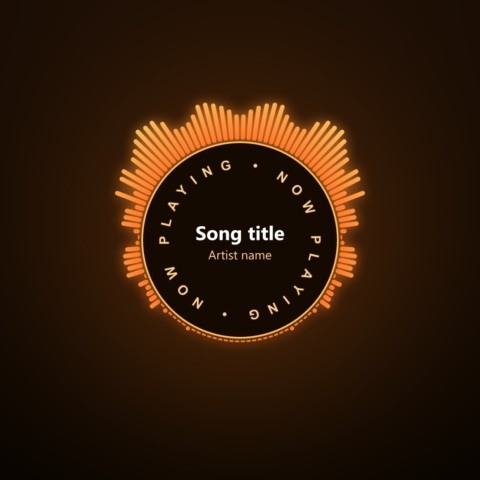
Made in VizWave from its built-in templates.
Everything for audio videos, in one app
Open a song, pick a template or build your own look layer by layer, and export. The preview shows exactly what you'll get.
Waveforms and spectrums
Waveform, spectrum bars and lines, circle spectrum and "Unknown Pleasures" style ridges, with gradients and neon glow.
Layers
Text, images, clip art, timers, progress bars and rings, scrolling credits and tickers, circle text, slideshows and particle effects.
Backgrounds and camera
Image or video backgrounds, and camera effects such as zoom and shake that follow the beat.
Templates
16 built-in templates for YouTube, Shorts, Reels, TikTok, podcasts and square posts. Save your own and reuse them for every song.
Prepare for upload
One click sets the right size and format for YouTube, Shorts, Reels or TikTok, copies your title and description and opens the upload page.
H.264, VP9 and AV1
Export MP4, MKV, MOV or WebM, from Full HD up to higher resolutions, with sound.
Many videos at once
The command line makes one video per song from a template, with each song's title and artist filled in.
Works with AI assistants
A built-in MCP server lets assistants such as Claude create and export VizWave videos for you.
Yours, offline
No account, no cloud, no tracking. Your audio never leaves your computer. In 9 languages, with light and dark themes.
Start from a template
Change the song, the text and the colors, and the video is ready.
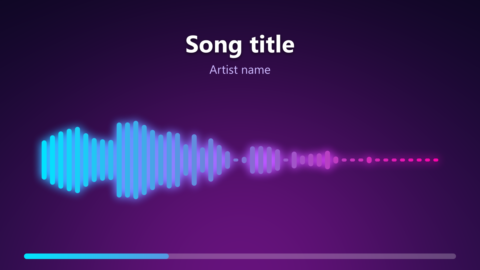
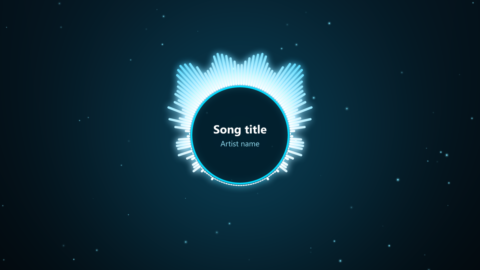
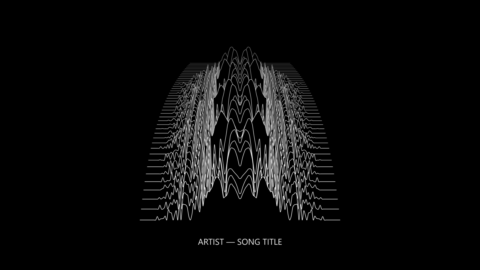
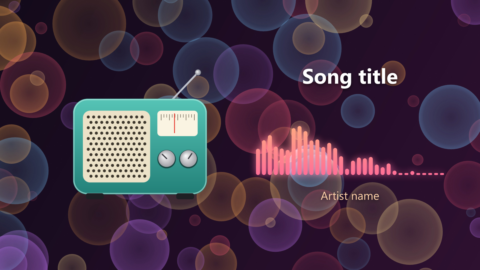
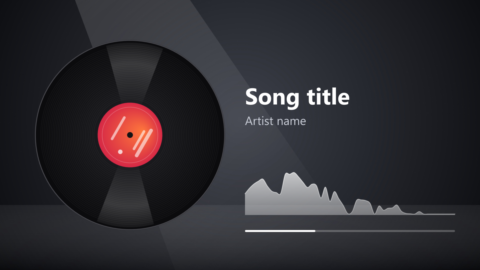
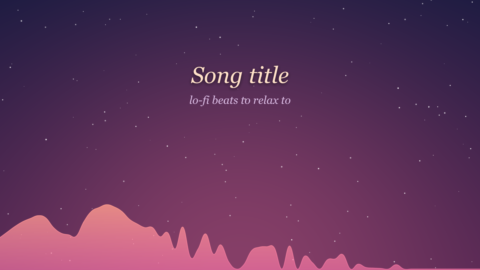
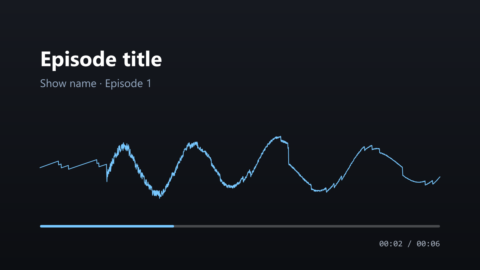
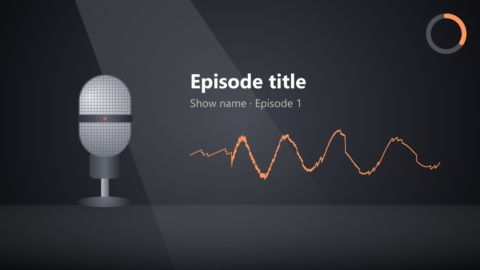
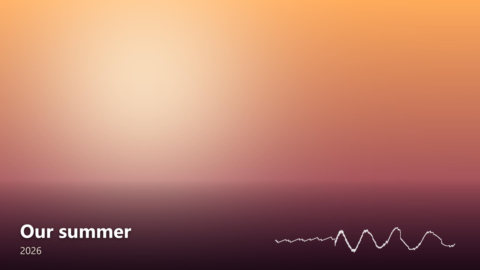
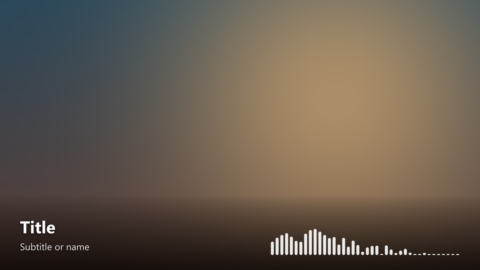
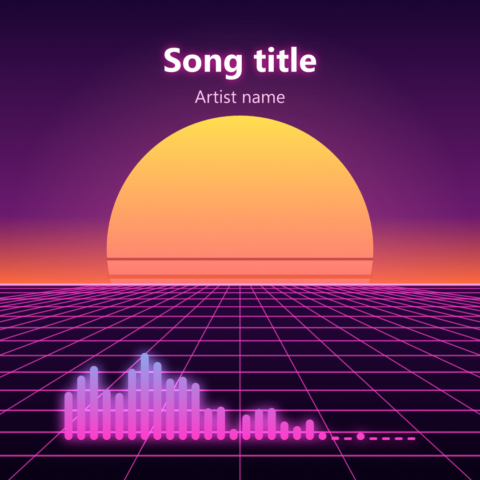
Plus four vertical templates for Shorts, Reels and TikTok.
Simple pricing, no subscription
Pay once and keep it. Every feature works in the Free edition, so you can try everything before you buy.
Free
€0
For trying out and personal videos.
- Waveform, spectrum bars and line
- Text, images, clip art, timers, progress bars
- Export up to 1080p, vertical and square too
- Small "Made with VizWave" mark
- Pro and Studio features with a watermark
Pro
€29 one-time
For creators and channels.
- Everything in Free, no marks
- Circle spectrum, glow, particle and camera effects
- Circle text, tickers and credits
- Higher than 1080p, and AV1
- Prepare for YouTube, Shorts, Reels, TikTok
- Save your own templates
Includes a year of updates.
Studio
€59 one-time
For studios, labels and batch work.
- Everything in Pro
- Video backgrounds and slideshows
- Spectrum ridges
- Command line: many videos at once
- MCP server for AI assistants
Includes a year of updates.
Buying opens soon. Want to know when? Write to vizwave-support@x-doo.com.
| Feature | Free | Pro | Studio |
|---|---|---|---|
| Waveform, spectrum bars and line, text, images, timer, progress bar or ring, clip art | ✓ | ✓ | ✓ |
| VP9 and H.264 up to 1080p (vertical and square included) | ✓ | ✓ | ✓ |
| Circle spectrum, glow, particle effects, camera effects, circle text, ticker and credits | watermark | ✓ | ✓ |
| Higher than 1080p, AV1, Prepare for, saving templates | watermark* | ✓ | ✓ |
| Video backgrounds, slideshow, spectrum ridges, command line export | watermark | watermark | ✓ |
| MCP server for AI assistants | — | — | ✓ |
| "Made with VizWave" mark | yes | no | no |
* Saving templates needs Pro. Watermarked features can be used and previewed freely; the watermark goes away with the edition that includes them.
Questions
Is it really a one-time payment?
Yes. You pay once and can use VizWave for as long as you like. The license includes a year of updates; after that you keep every version released during that year, and renewing for another year of updates (€15 for Pro, €30 for Studio) is optional. Already have Pro? Renew, or upgrade to Studio for €30.
How does the license work?
After buying you receive a license by email. Open the attached .vizlicense file, or paste the text in VizWave under Settings → Enter license. It works offline, without an account.
Can I use it on more than one computer?
Yes, on all computers you own or use. The license is personal and shouldn't be shared with other people.
Does it run on Linux or Mac?
Linux, yes: VizWave for Linux is in beta, as a .deb for Ubuntu, Mint and Debian and as an AppImage for other distributions (see Download). The same license works on Windows and Linux. There is no Mac version yet.
Can I use the videos commercially?
Yes. The videos you make are yours, in every edition. You need the rights to the music and pictures you use in them.
Why is H.264 a separate install?
VizWave comes with an ffmpeg that makes VP9 and AV1 videos, which YouTube plays well. H.264, which Instagram and TikTok prefer, can't be shipped with it for patent reasons, but it's free to install yourself: open Terminal and run winget install Gyan.FFmpeg, then restart VizWave. VizWave finds it by itself; the button "How to get H.264" in the Video settings shows the same steps.
Which audio and video files does it open?
WAV, MP3, FLAC and Ogg Vorbis audio, and video files as a source or background.
What if it doesn't work for me?
Try every feature in the Free edition first: it has all of them, with a watermark, and no time limit. A license is delivered at once, so it isn't refunded because you changed your mind. If it doesn't work on your computer and support can't fix it, if you paid twice, or if you bought the wrong edition, write within 14 days of buying and you get your money back (or the right edition). See the refund policy.
Does VizWave collect any data?
No. VizWave works fully offline and sends nothing anywhere. See the privacy policy.